What to do
Step by step.
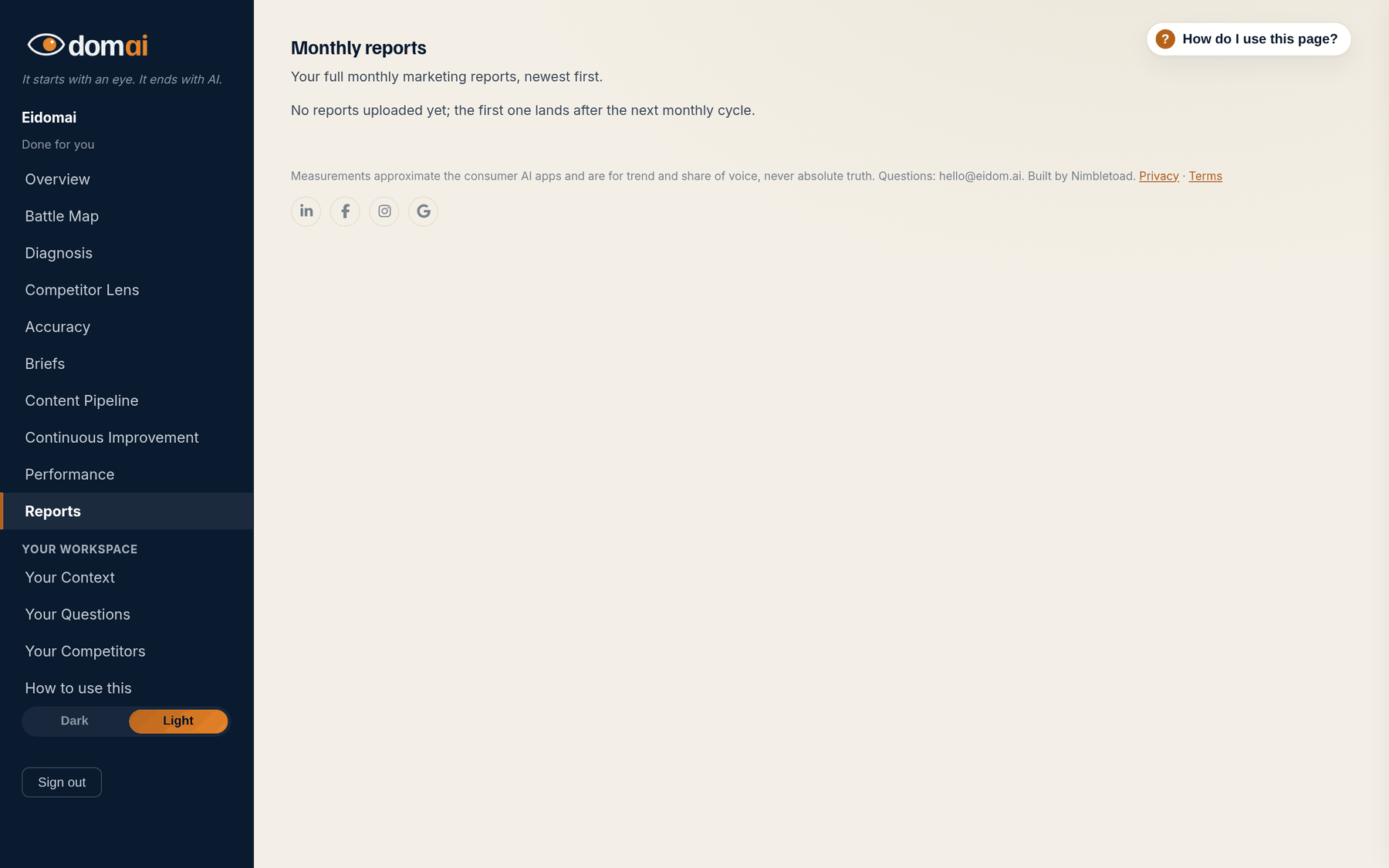
- Open Reports. The newest month is marked latest.
- Press Download the PDF, or Download the deck where there is one, and forward it. Nothing in it is different from what the portal shows for that month.
- For the month in progress, use the Overview and the What changed strip; the report for it lands after the run in the last week of the month.
The portal is for reading your own numbers. The report is for handing them to someone else. One document a month, the same figures, with the narrative a person wrote around them: what moved, what shipped, what is next.
It is the file to attach when a partner, a board or a boss asks how the AI work is going, and it needs no sign-in to read.
How to read it
What the screen is telling you.
- A report is one document a month, written for the person who signs off: what moved, what shipped, what is next, with the same numbers as the portal.
- The monthly update email is the short version of the same thing. The report is the one to attach.
Questions
People ask.
- Can I get a report for an earlier month?
- Every month with a full run has one, newest first. If a month is missing, send a support request at eidom.ai/support.
- Can someone who is not on my account read it?
- Yes. The download is a file; send it to whoever needs it. Only the portal itself needs a sign-in.
- Is there a report on The Map?
- The monthly update email and the Overview cover The Map. The packaged report is part of Done for you, where a person writes the narrative around the numbers.