What to do
Step by step.
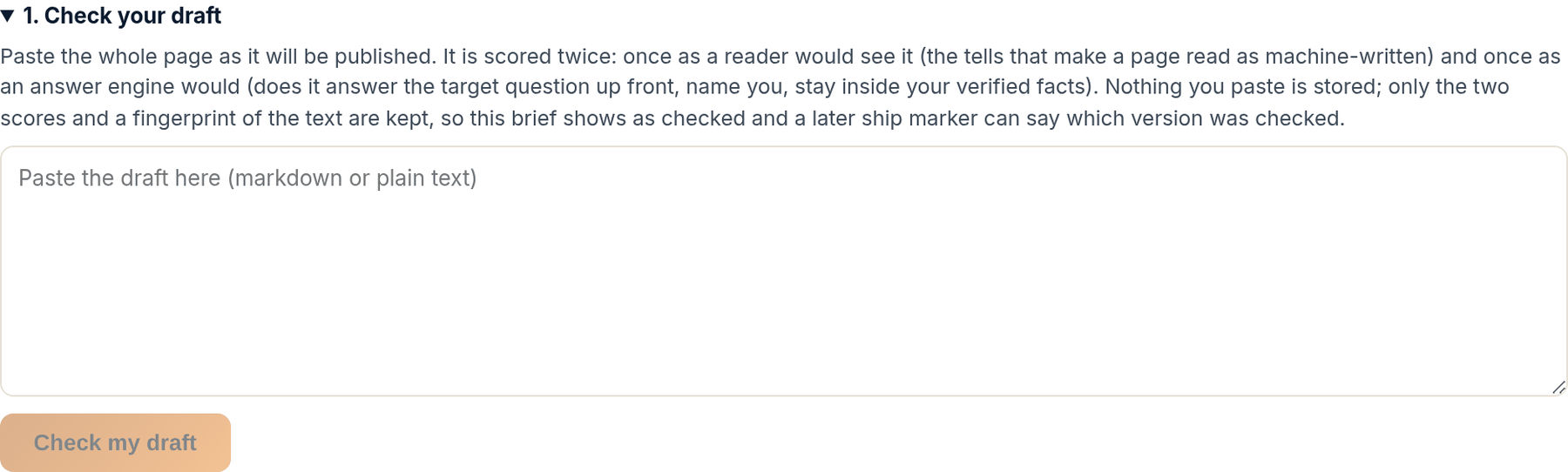
- On the brief, paste the whole piece (markdown or plain text, at least a couple of paragraphs) under 1. Check your draft and press Check my draft.
- Read the verdict. Ready to ship: publish it. Revise before shipping: read the suggested edits, fix what matters, check again if you like. Blocked: something in the text must change before the content can go live; Fix these first lists exactly what.
- Read the two scores. Reads human is the published signs of machine writing, scored by density. Answer ready is what an engine needs to cite the content: a direct answer up front, every target question covered, your name as the entity, no figure outside your verified facts.
- If the check blocks on a guard that is wrong or out of date, or on a figure that is actually true, use the links on that finding: This guard is wrong or out of date, or These figures are true, add them as a fact. They take effect on your next check and enter your record within the hour.
- Fix, paste, check again. Then move to 2. Mark it shipped once the content is live.
What happens next. A passed check unlocks 2. Mark it shipped on the brief.
The check is software, and it reads the content the way an engine will. It looks for two things: whether the content can be cited (a direct answer up front, the target questions covered, your name as the entity, no figure your ledger cannot back) and whether it reads like a person wrote it.
The three verdicts are Ready to ship, Revise before shipping, and Blocked. The first two are yours to act on. The third is a refusal: a placeholder or a never-true claim is still in the text, and the ship marker stays closed until a check passes. That rule has no override, because the whole point of the loop is that nothing goes live saying something about you that is not true.
How to read it
What the screen is telling you.
- Blocked is a refusal, not advice. A placeholder or a never-true claim in published content becomes a wrong answer an engine repeats, so Mark it shipped stays closed until a check of this draft passes. There is no override, for anyone.
- Revise is advisory. The content can ship as it is; the suggested edits are what would make it easier to cite or more human to read.
- Your draft is not stored. It is scored in memory and only the two scores are kept, so the brief shows as checked.
- Show every finding opens the full list, in two columns: Reads human on one side, Answer ready on the other.
Questions
People ask.
- What is a never-true claim?
- A statement your ledger has marked as never true about your business: a service you do not offer, a credential you do not hold, a claim a competitor makes that you have said you never want made. The check treats those as blockers because an engine would repeat them.
- The check blocked on a figure that is right.
- Press These figures are true, add them as a fact under that finding and state the fact with the figure. It stops reading as unverified on your next check and enters your ledger within the hour, stated by you.
- How good does Reads human need to be?
- There is no pass mark; it is a density, not a gate. Read the findings it lists and fix the ones you agree with. Content in your own words with your own stories scores well without trying.