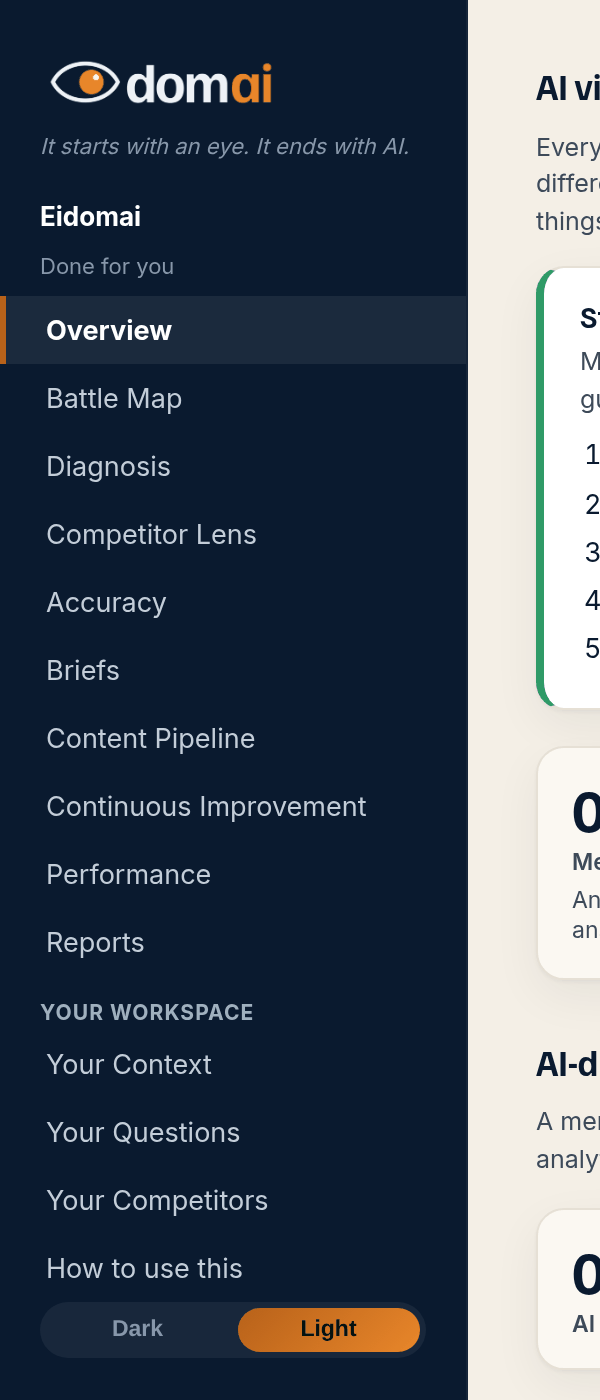
Look under the wordmark in the sidebar. The line there is your plan: The Scan, The Map, or Done for you. A free check or a demo map says so in a banner across the top of every page.
The measurement is the same on every plan. The same questions, the same eight engines, the same battle map, the same accuracy check against your facts. What changes is who does the work that follows: on The Map it is you with the software, and on Done for you it is us with your approval.
The pricing page has the full who-does-what table. Each locked tab shows a sample of what it holds. Moving up from The Scan to The Map is a checkout. Moving to Done for you starts with a short call.
How to read it
What the screen is telling you.
- The Scan: your map, measured fresh every month, and one brief and prompt a month for a question you're losing. You write the content.
- The Map: Overview, Battle Map, Work list (with the briefs and the draft check), Accuracy, Your Context, Your Questions, Your Competitors, Continuous Improvement, Competitor Lens. You write and publish; the software measures, briefs and checks.
- Done for you: everything above, plus the Content Pipeline (we write six pieces of content a month from your briefs, new pages and updates to the ones you have, and you approve every word), Performance and Reports, same-day re-measures, the weekly accuracy check, the corrections sent on your behalf, and outcome tracking: we set up the key event in your Google Analytics so AI visits can be tied to inquiries or bookings.
- A free check or a demo map shows the real measurement (Overview, Battle Map, Work list, Accuracy) as a one-time run. Nothing on it refreshes, and the workspace tabs open when a plan starts.
Questions
People ask.
- Can I pay by the year?
- Yes, on The Scan and The Map, with 2 months free and the same features as monthly. The yearly prices are on the pricing page. A yearly plan is paid up front. Cancel any time to stop the renewal, and your plan runs to the end of the paid year. There are no partial refunds. On The Scan by the year you still get one brief and prompt every month, and moving up to The Map happens at your renewal unless you ask us to switch sooner.
- Do you sign a business associate agreement (BAA)?
- We don't sign business associate agreements, because we never handle patient or client information.
- Why is a tab showing a padlock?
- It is part of a plan above yours. The tab still shows a sample of what it holds so you can see what the plan adds; nothing on it is your data until the plan starts.
- Can I change plans?
- Yes, any month. Moving up from The Scan to The Map is self-serve: press Upgrade and check out. Moving to Done for you starts with a short call. Your map, your ledger and your briefs carry over unchanged.
- What is the cook language on the website?
- The same two plans by another name. You Cook is The Map: you write, the software checks. We Cook is Done for you: we write, you approve.